 Takko
01 · ROLL
Start a take
Hold a thumbs-up for a moment. A beep and a flash tell you it's recording.
Takko is a video recorder for creators who film from across the room. Flub a line, show ✌️, and that take is gone. No walking back to your phone. No digging through a hundred clips later.
Why Takko exists
I record a lot of videos. A two-minute video can take nine or ten takes, and any take can go wrong.
Every time, I walked to the phone, stopped, walked back, and started again. By the end I had a hundred clips for one video, and I had to watch every one of them to find the good ones.
So I built the camera I wanted: one I can direct from where I stand.
Krishna, maker of Takko
How it works
Prop your phone up a metre or three away. Takko watches for your hand and beeps when it hears you, so you never have to touch the screen mid-shoot.
01 · ROLL
Hold a thumbs-up for a moment. A beep and a flash tell you it's recording.
02 · SCRAP
Messed up? Show a peace sign. The take is thrown away on the spot, with a few seconds to undo.
03 · CUT
Thumbs-down ends the take and keeps it. Go again for the next line.
Prefer talking? Say “Takko, action” or “Takko, scrap that”.
Features
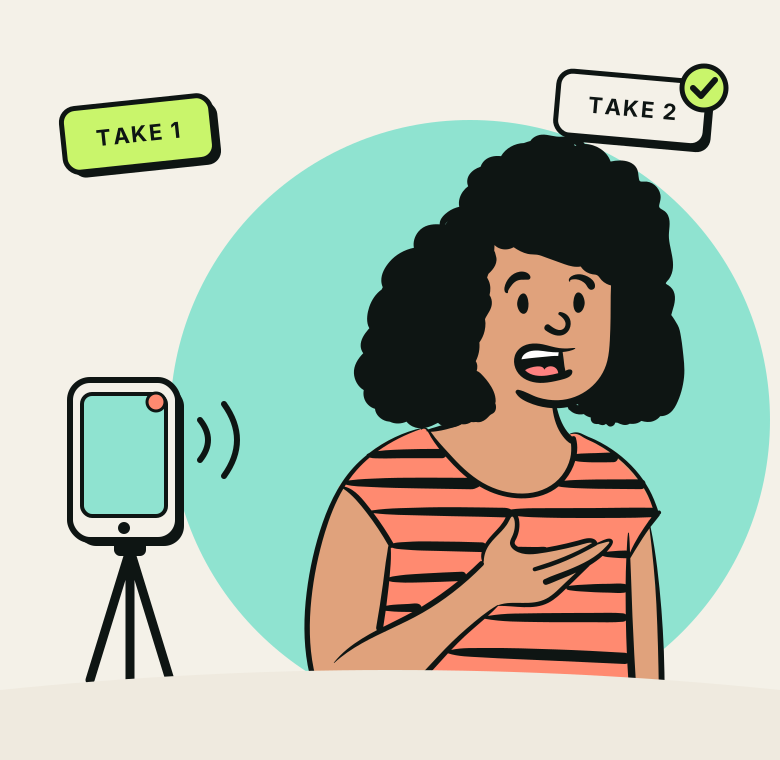
Your kept takes line up in order and join into a single MP4. Trim the ends, skip a take, and undo anything before you export.
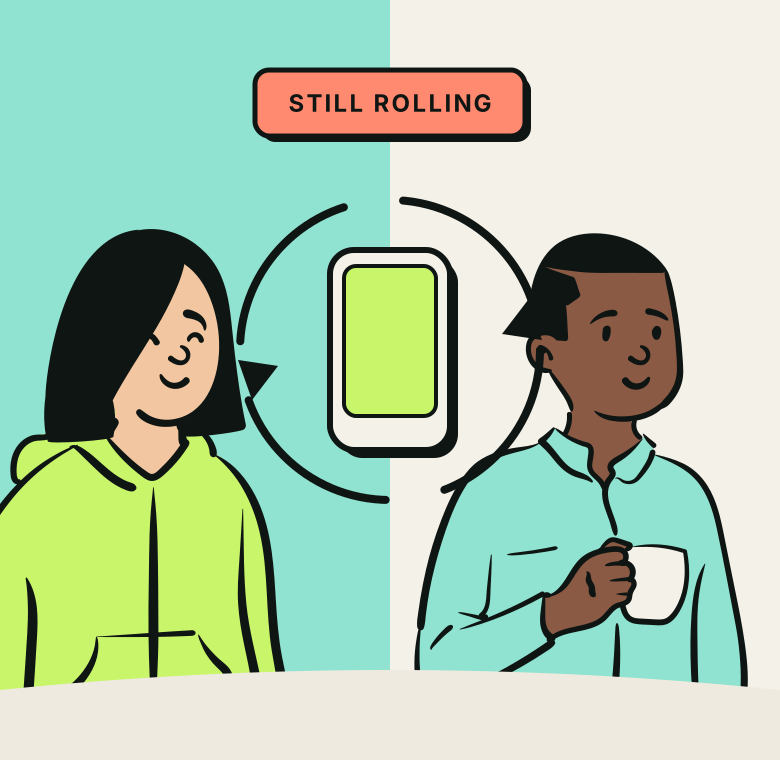
Turn from your face to what you're showing. The take keeps rolling as one clip.
Choose which sign does what, or teach Takko up to three hand signs of your own.
Beeps for start, stop and scrap, plus an optional torch blink, so you know it caught you from across the room.
Undo a scrap, undo edits, and get deleted projects back from the recycle bin for 30 days.
Private by design
Questions
Yes. Recording, scrapping, editing and stitching are free, with no ads.
Android 10 or newer. Takko is Android only for now.
About one to three metres works well, in reasonable light. If your hand is clearly in frame, Takko can see it.
Only if you turn sound on. The microphone is asked for only when you enable sound or voice commands.
Takes stay inside the app. The final video can be saved to your gallery under Movies/Takko, shared, or backed up to a folder you choose, such as Google Drive or an SD card.
Takko is in testing and coming soon to Google Play. Want in early? Send me a message on X and I'll add you to the test.
Message @iamjustkrishna